CalqueTokens, not swatches.
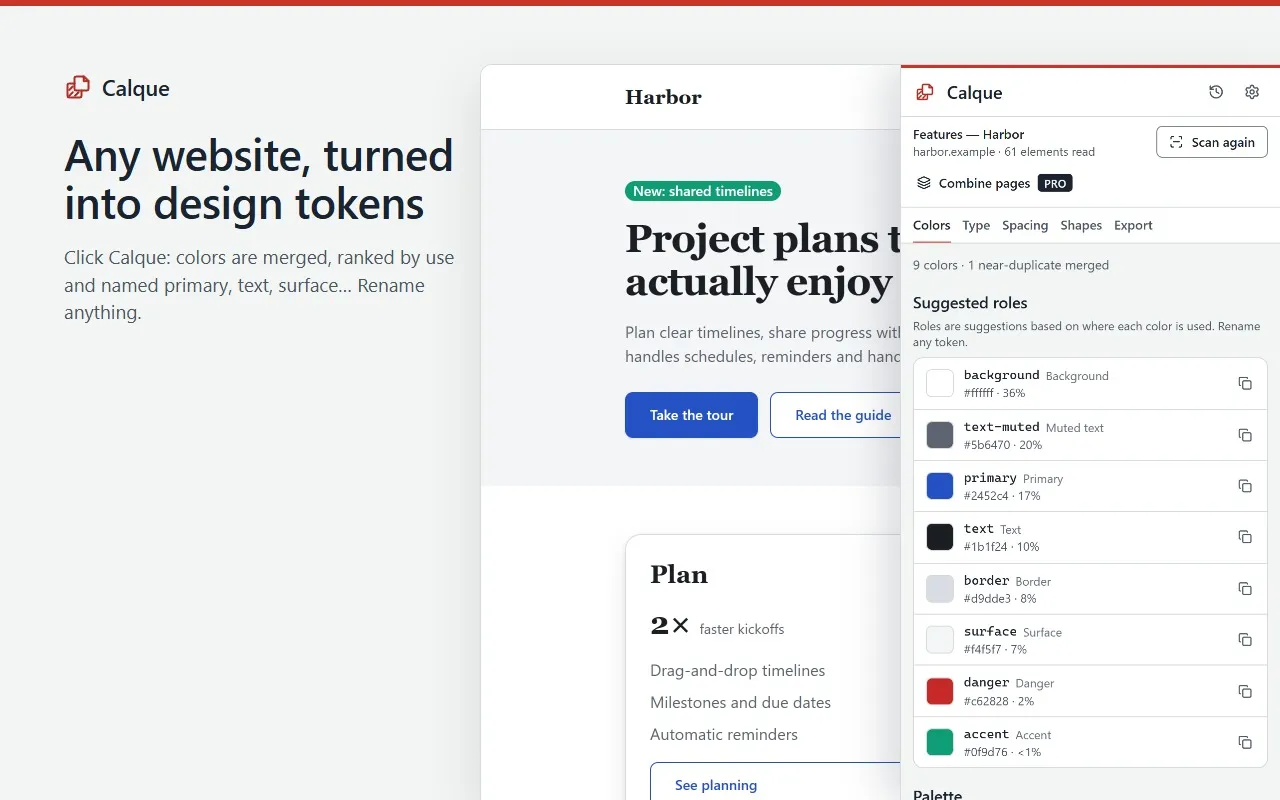
Click Calque on any website: a side panel reads the page’s styles and turns them into a clean set of design tokens — colors, type scale, spacing, radii and shadows — ready to paste as CSS variables. Styles are processed on your device.
Coming soon to the Chrome Web Store
There is no install link yet. This page will link to the Chrome Web Store when Calque is published.
Free to use. Pro is $39 paid once, or $5.99 a month with no commitment, taxes included. Free and Pro
What Calque does
For front-end developers, product designers and agencies reviewing a client’s site.
- Merges near-identical colors, ranks them by use and suggests roles such as primary, text, surface or border. Rename any token.
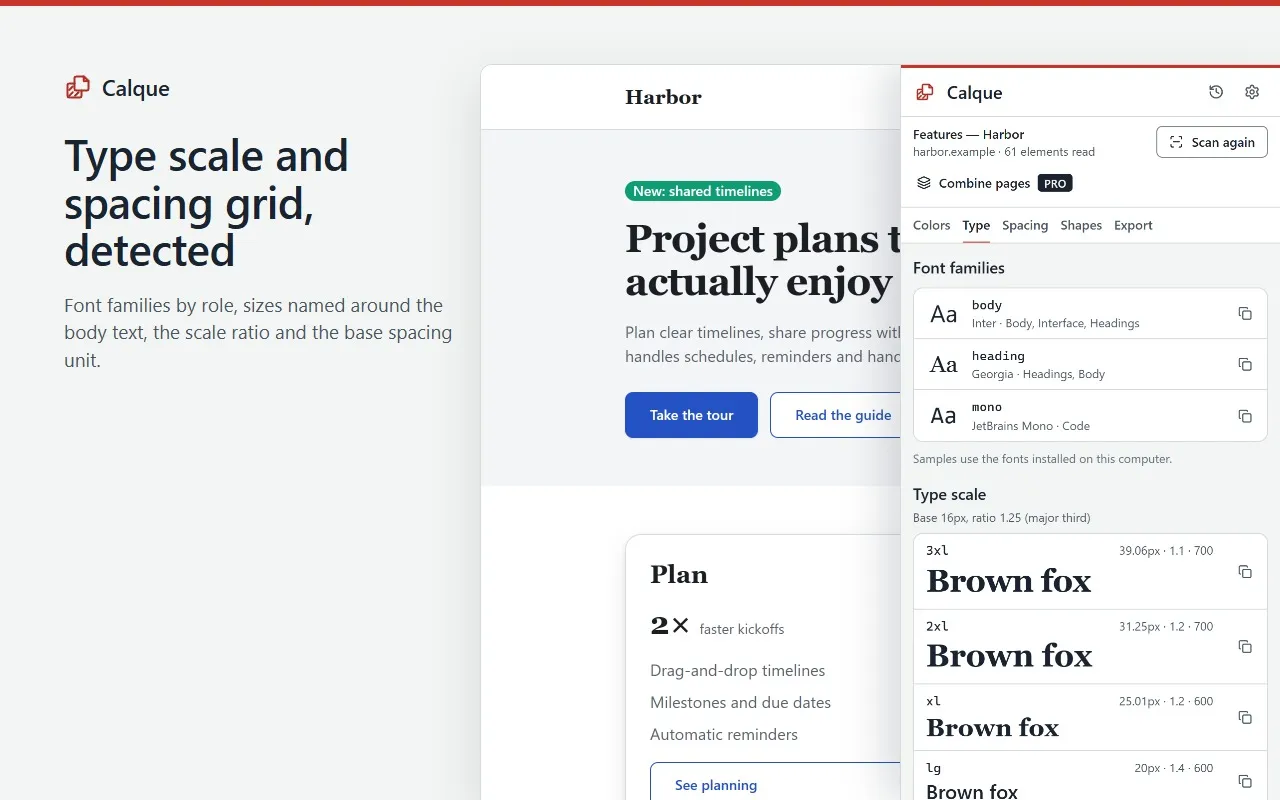
- Turns font sizes into a type scale named around your body size, with its ratio, font families, weights and line heights.
- Finds the spacing grid and the values in use, plus corner radii and box shadows.
- Reuses the site’s own CSS variable names when they fit.
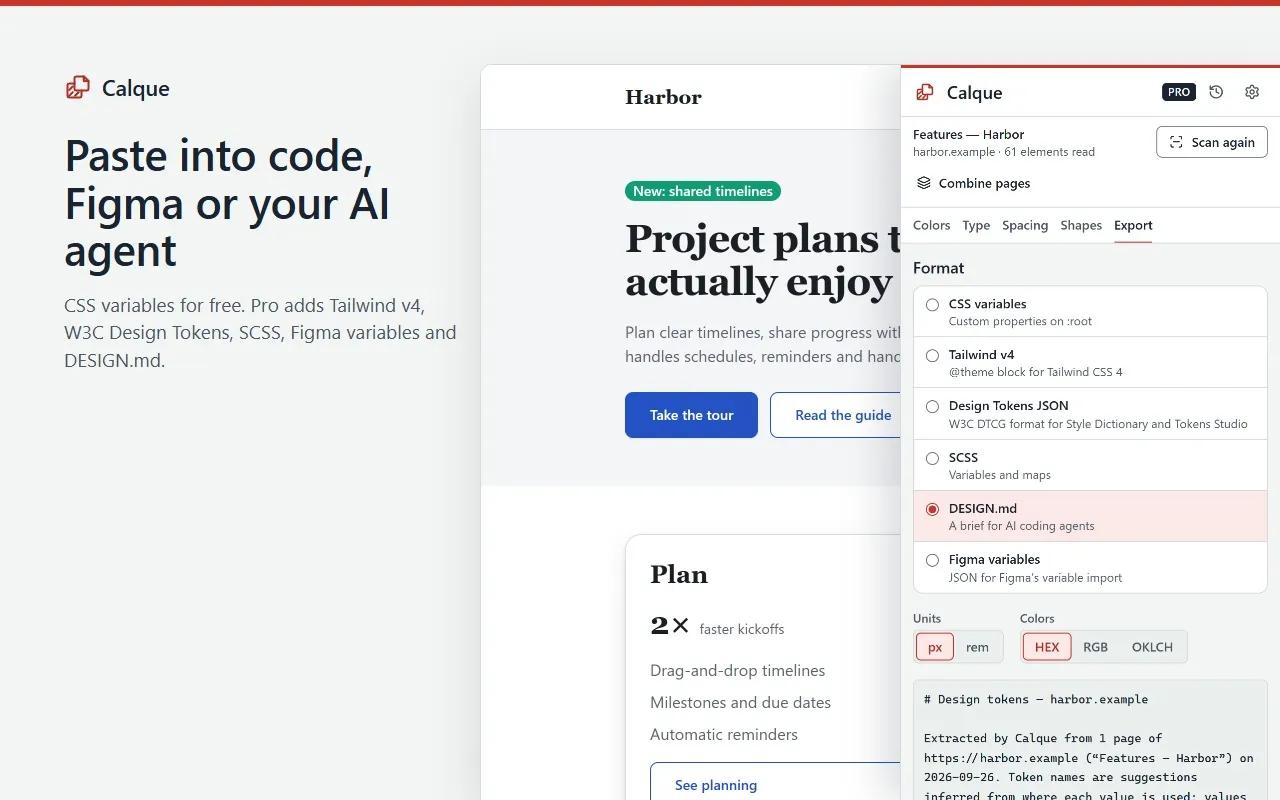
- Copies any value in one click, or exports everything as CSS custom properties.
What stays on your device
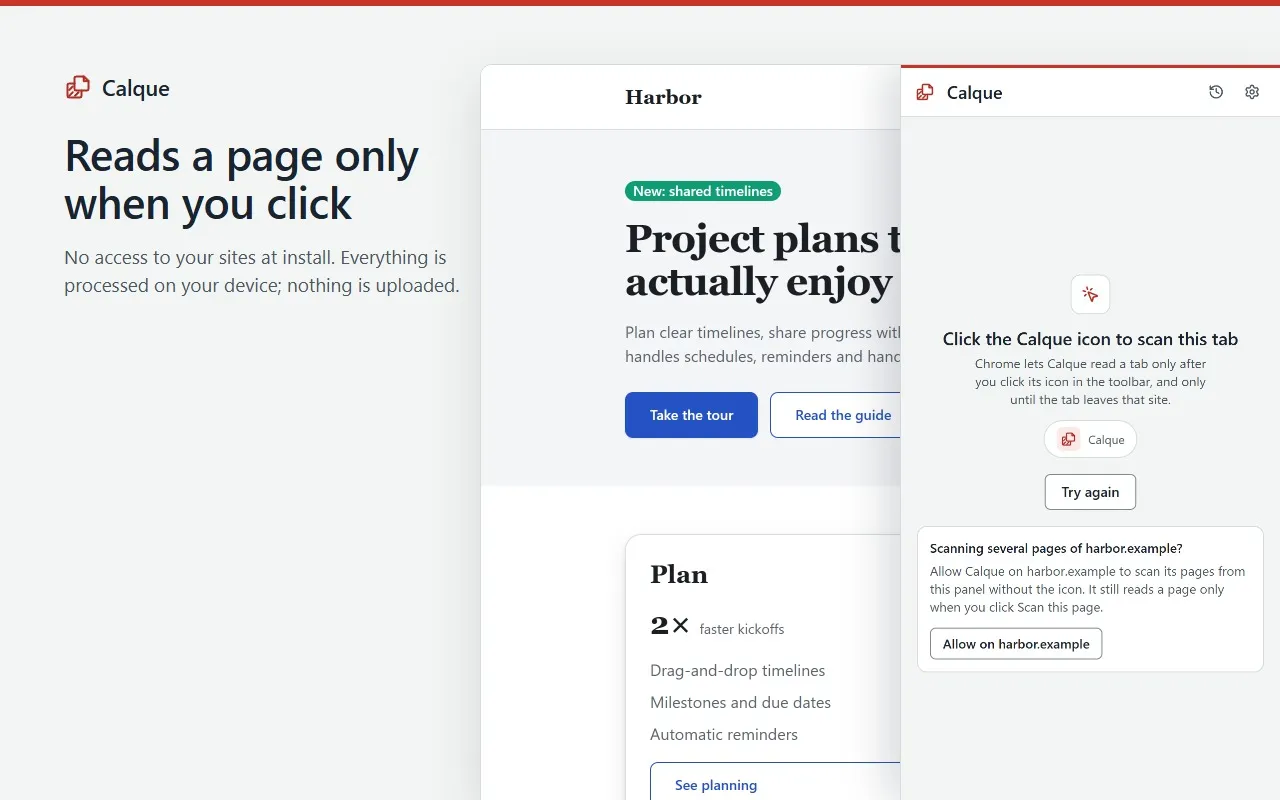
- Calque reads a page only when you click its icon or press its shortcut, or on a site you allowed from the panel.
- Styles are processed on your device and never uploaded. No fonts or images are downloaded from the pages you scan.
- Your settings and token names, and with Pro your scan history, are stored in Chrome on this device.
- With Pro, license checks send your license key and a random installation id. Never pages, styles or web addresses. Pro keeps working offline for up to 30 days after the last check.
Permissions
What Calque asks Chrome for, and why.
- At install
- None. Calque has no access to your websites until you click it.
- activeTab
- Reads the current page’s styles, only after you click the icon or press Alt+Shift+C.
- scripting
- Runs Calque’s read-only style scanner in that tab when you scan. Nothing runs on other pages.
- sidePanel
- Shows the tokens in Chrome’s side panel, next to the page.
- storage
- Saves your settings, token names, license status and, with Pro, your scan history on this device.
- alarms
- Wakes about twice a day to re-check a Pro license when the last check is more than a day old.
- Site access, optional
- Only if you click “Allow on” a site in the panel: access to that one site, to scan several of its pages.
Screens
Free and Pro
| Feature | Free | Pro |
|---|---|---|
| Colors, type scale, spacing, radii and shadows from any page | Included | Included |
| Suggested roles, renaming, one-click copy | Included | Included |
| Export as CSS custom properties | Included | Included |
| Tailwind CSS v4 @theme, DTCG JSON, SCSS and Figma variables exports | 1 try a day | Included |
| DESIGN.md brief for AI coding agents | 1 try a day | Included |
| Combine several pages of a site into one token set | Not included | Included |
| History of your last 10 scans | Not included | Included |
The daily try is shared between the Pro export formats.
Calque Pro
- One-time purchase
- $39paid once
- Monthly
- $5.99a month
- The one-time purchase is a single payment: nothing renews. Updates are included.
- The monthly subscription renews every month until you cancel it. No commitment: cancel anytime from the customer portal, and Pro stays on until the end of the month you paid for.
- One license key covers up to 3 Chrome installations at a time, with either offer.
- Prices in US dollars, including any VAT or sales tax.