BonefolderEveryday PDF tools. On your device.
Merge, split, compress and convert PDFs and photos in a Chrome tab. Your files are processed on your computer and never uploaded, not to us and not to anyone. Works offline.
Coming soon to the Chrome Web Store
There is no install link yet. This page will link to the Chrome Web Store when Bonefolder is published.
Free to use. Pro is $29 paid once, or $4.99 a month with no commitment, taxes included. Free and Pro
What Bonefolder does
For legal and HR staff, administrators, accountants and freelancers who handle sensitive documents.
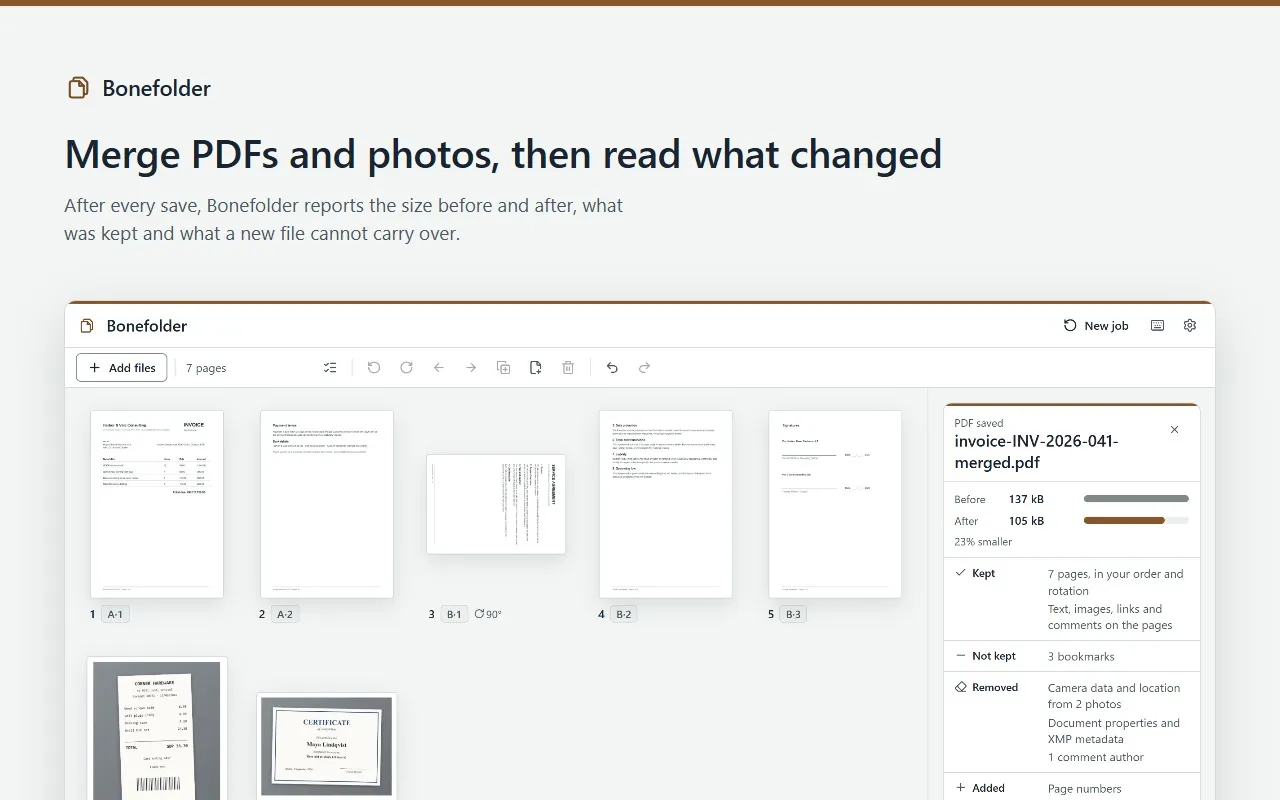
- Shows every page of the PDFs and photos you drop as a thumbnail, ready to drag into order, rotate or delete, then merges, splits by ranges or every N pages, or extracts the pages you select, also as JPEG or PNG images.
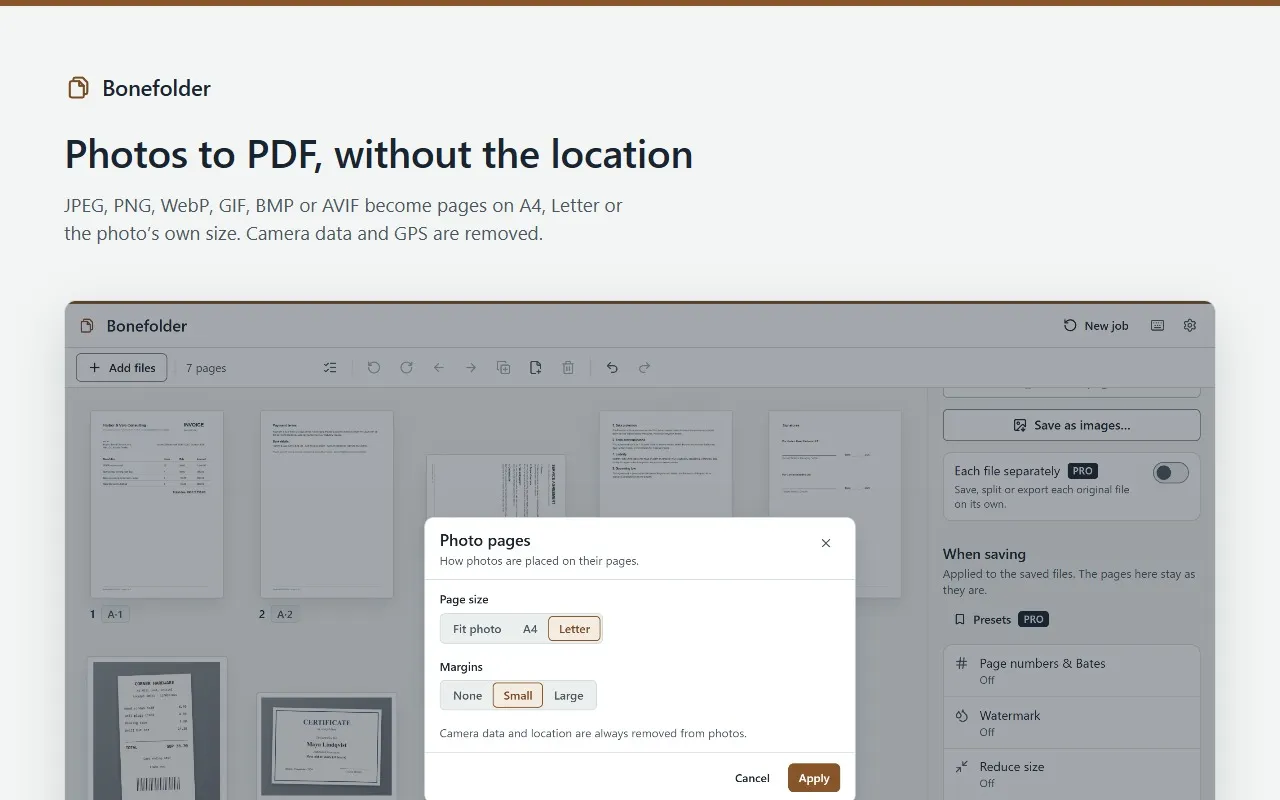
- Turns photos into PDF pages the right way up, and always removes their camera data and GPS location.
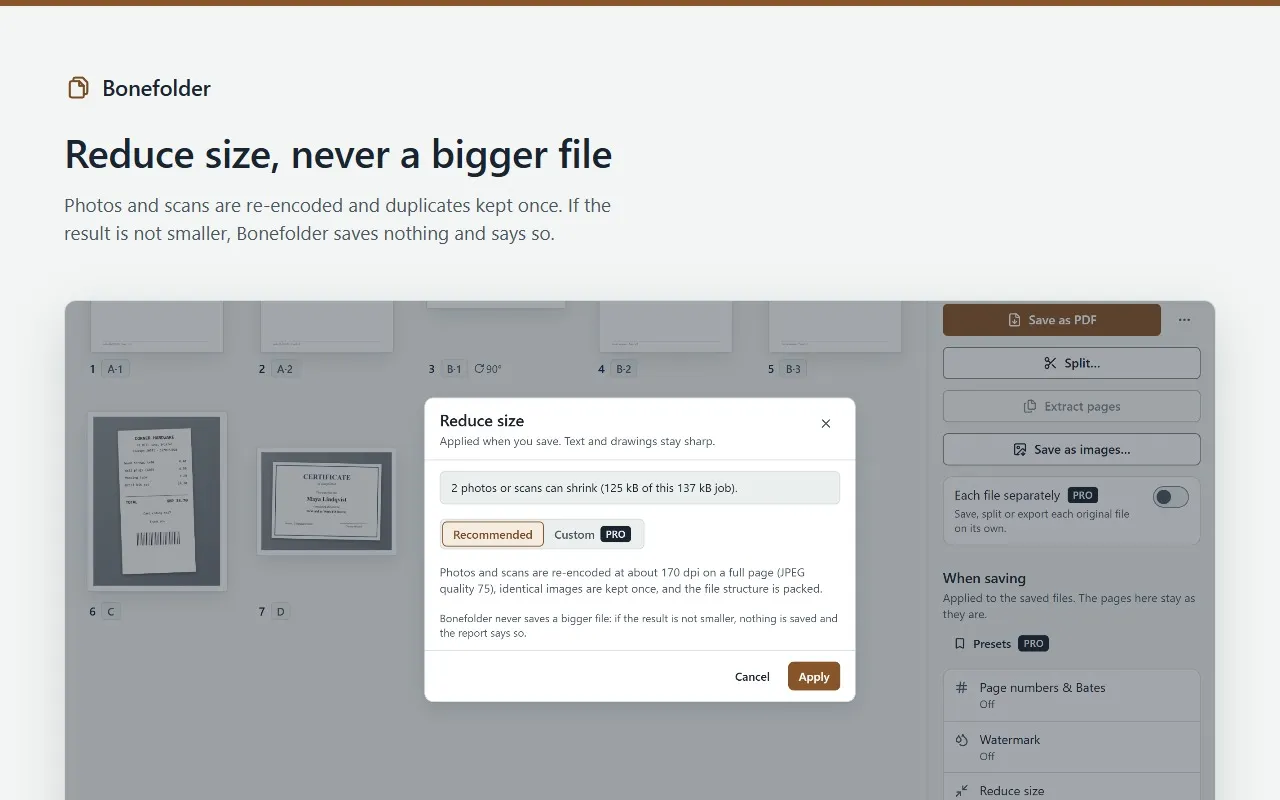
- Reduces size by re-encoding photos and scans, and never saves a bigger file. Adds page numbers or a text watermark.
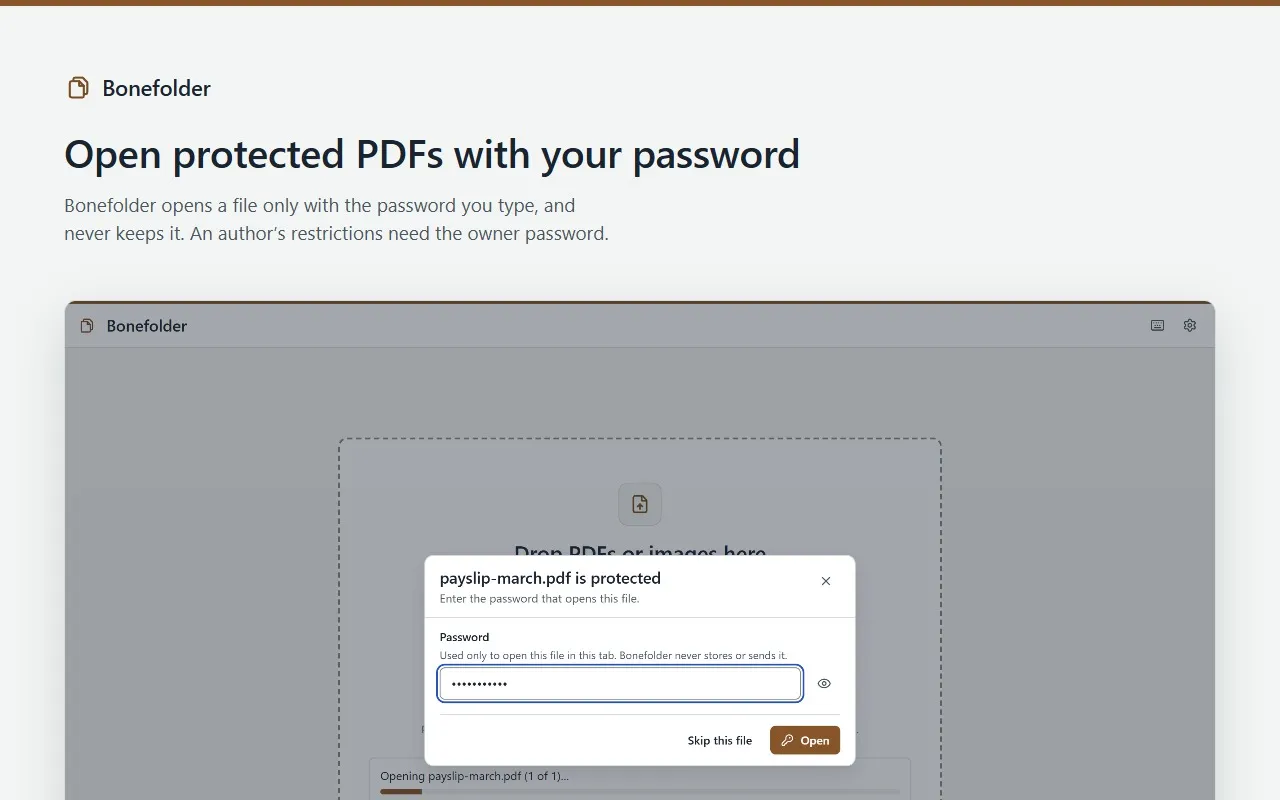
- Shows the hidden data a file carries and removes what Bonefolder can detect. Opens protected PDFs with your password, and never removes an author’s restrictions without the owner password.
- After every save, a short report says the size before and after, what was kept and what a new file cannot carry.
What stays on your device
- Your files are processed in memory in a Bonefolder tab, and cleared when you start a new job or close the tab.
- Nothing is uploaded. Documents, images and passwords are never stored. Results are saved through Chrome’s usual download, or where you choose in Chrome’s own save window.
- Bonefolder has no access to the websites you visit and works offline.
- With Pro, license checks send your license key and a random installation id, never your files. Pro keeps working offline for up to 30 days after the last check.
Permissions
What Bonefolder asks Chrome for, and why.
- At install
- None. Bonefolder has no access to your websites.
- storage
- Saves your settings, your Pro presets (tool settings only) and your license status on this device. Never documents, images or passwords.
- alarms
- Wakes about twice a day to re-check a Pro license when the last check is more than a day old.
- Nothing else
- You give Bonefolder your files by dropping them in its own tab, so it needs no access to web pages or downloads.
Screens
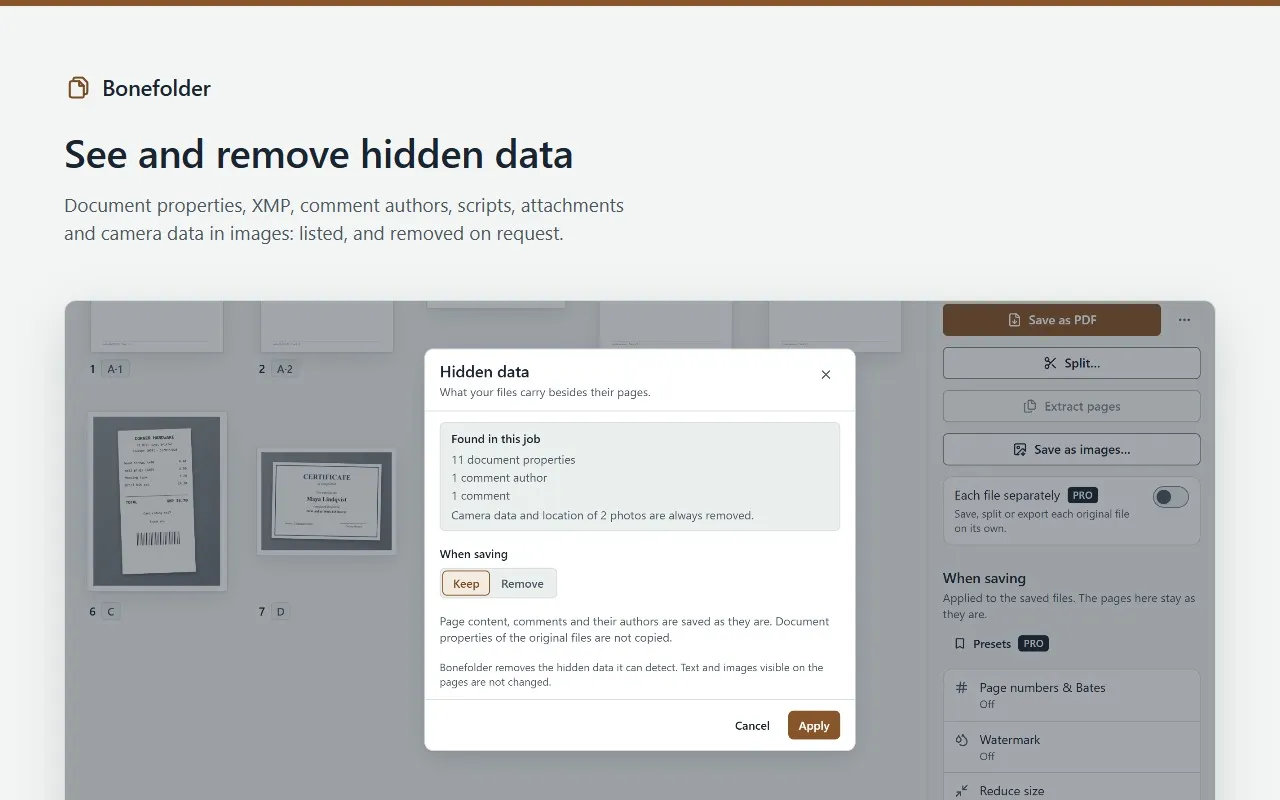
Free and Pro
| Feature | Free | Pro |
|---|---|---|
| Every everyday tool: organize, merge, split and extract, photos to PDF, pages to images, reduce size (Recommended), page numbers, text watermark, hidden data, open protected PDFs with your password, Save as… | Included | Included |
| Size per job, any number of files | 100 MB | Over 100 MB |
| Each file separately (the same save, split or export for a batch) | Not included | Included |
| Redaction that removes the text: the page is saved as an image with the boxes burned in | Not included | Included |
| Bates numbering | Not included | Included |
| Custom size reduction with a target size | Not included | Included |
| Image or logo watermark | Not included | Included |
| Presets, including “Share-safe” | Not included | Included |
Pro takes jobs over 100 MB, up to what your computer can hold. Redaction cannot be undone, and a redacted page is no longer searchable.
Bonefolder Pro
- One-time purchase
- $29paid once
- Monthly
- $4.99a month
- The one-time purchase is a single payment: nothing renews. Updates are included.
- The monthly subscription renews every month until you cancel it. No commitment: cancel anytime from the customer portal, and Pro stays on until the end of the month you paid for.
- One license key covers up to 3 Chrome installations at a time, with either offer.
- Prices in US dollars, including any VAT or sales tax.